
SE11 Transaction Code in SAP ABAP: Complete ABAP Dictionary Guide
Table of Contents
- • What is SE11 in SAP?
- • Why is SE11 Important?
- • How to Open SE11 in SAP GUI
- ↳ Step 1: Log in to SAP GUI
- ↳ Step 2: Locate the Command Field
- ↳ Step 3: Enter the T-Code
- ↳ Step 4: The ABAP Dictionary Initial Screen
- • Key Objects Available in SE11
- ↳ 1. Database Table
- ↳ 2. View
- ↳ 3. Data Type
- ↳ 4. Type Group
- ↳ 5. Domain
- ↳ 6. Search Help (F4 Help)
- ↳ 7. Lock Object
- • SE11 vs. SE16N: What’s the Difference?
- • Practical Case Study: Creating an Employee Master Table
- • Best Practices when Working in SE11
- • Frequently Asked Questions (FAQ)
- ↳ 1. What is SE11 used for in SAP ABAP?
- ↳ 2. Can I edit data directly inside tables in SE11?
- ↳ 3. What is the difference between a Domain and a Data Element in SE11?
- ↳ 4. What happens if I make changes to a table structure in SE11?
- ↳ 5. Why do custom tables need to start with Z or Y?
- • Conclusion
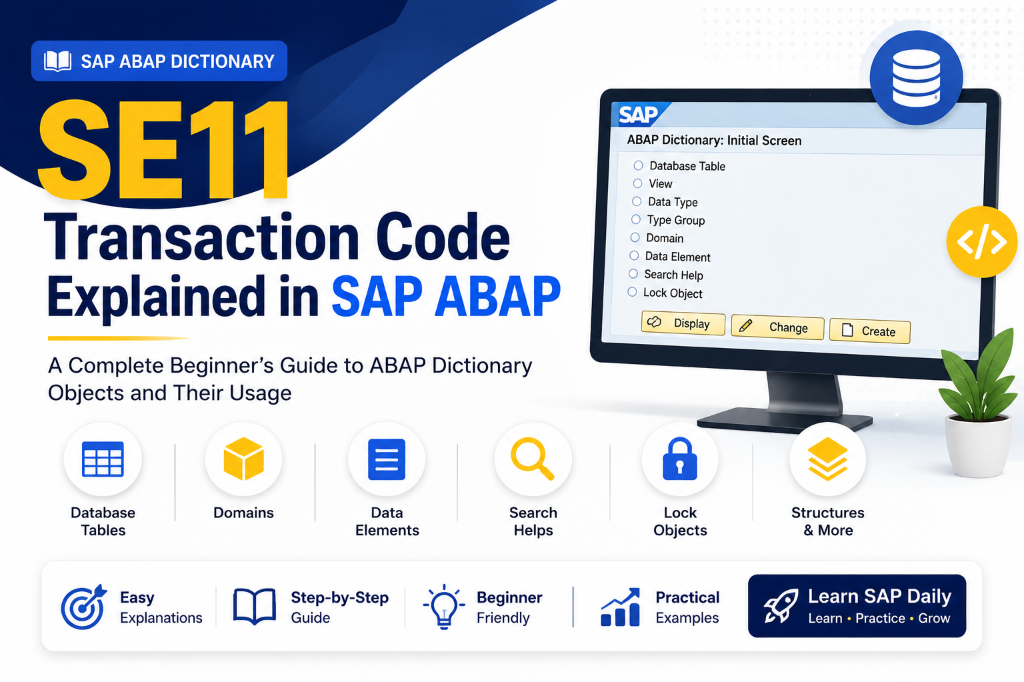
Transaction code SE11 is the gateway to the ABAP Dictionary in SAP. It is one of the first transaction codes an SAP developer learns because it serves as the central hub where database schemas and data types are defined, maintained, and managed.
Whether you are creating custom database tables, setting up data elements, configuring search helps, or defining lock objects, everything starts in SE11.
What is SE11 in SAP?
In SAP, SE11 accesses the ABAP Dictionary, which acts as the metadata repository of the SAP system. It stores database tables, views, structures, search helps, domains, and data elements.
Importantly, ABAP Dictionary is completely integrated with the database. When you create or modify a table in SE11, SAP automatically translates your specifications into database-specific commands to generate the physical table in the backend database (like SAP HANA).
Watch this beginner-friendly video introduction to ABAP Dictionary to see the initial SE11 dashboard in action:
Why is SE11 Important?
Every application running on SAP needs to store, process, and retrieve data. Developers cannot build reports, web services, Fiori applications, or transactional workflows without standard data models.
By using SE11, developers achieve:
- Data Consistency: Standardizing structures and types ensures data format consistency across the system.
- Code Reusability: Once defined, domains and structures can be referenced by thousands of ABAP programs.
- Easy Maintenance: Changing a data definition in SE11 automatically updates all database tables and screens referencing that object.
- Data Integrity: Enforcing values ranges and checks directly inside database fields prevents bad data from corrupting tables.
💡 Key Highlight: SE11 is the technical foundation of SAP data storage. Every custom database table, view, or type you create is managed directly through this central interface, ensuring global consistency across the entire NetWeaver server stack.
How to Open SE11 in SAP GUI
Follow these simple steps to launch ABAP Dictionary:
Step 1: Log in to SAP GUI
Open your SAP Logon client, select your server, and log in with your credentials.
Step 2: Locate the Command Field
The command field is the white input bar in the top-left corner of the SAP Easy Access screen.
.png)
Step 3: Enter the T-Code
Type SE11 into the command field and press Enter (or click the green checkmark icon).
Step 4: The ABAP Dictionary Initial Screen
The system displays the initial ABAP Dictionary screen, listing options for different database objects.

Key Objects Available in SE11
When you open SE11, you will see a list of radio buttons for different categories of objects. Here is a detailed breakdown of each:
1. Database Table
Stores actual application data inside rows and columns on the database.
- Examples: Storing employee IDs, purchase orders, customer details, or material pricing.
- Custom tables must begin with
ZorY(e.g.ZEMPLOYEE).
2. View
A virtual table that displays data merged from one or more physical tables based on joining conditions. It does not store data itself; instead, it provides a tailored projection of database tables.
3. Data Type
A reusable type definition. It has three main subdivisions:
- Data Element: Describes the semantic business meaning of a field (such as field labels like “Employee Name” and search helps).
- Structure: A collection of fields grouped together under a single name, used in ABAP code to hold temporary run-time records.
- Table Type: Defines the structure of internal tables in ABAP memory.
4. Type Group
A repository object containing global constants and type definitions used throughout programs. (Note: In modern ABAP development, global classes are preferred over type groups).
5. Domain
Defines the technical properties of a field.
- Controls: Data type (e.g.
CHAR,NUMC), character length, decimal places, and value ranges (e.g. allowing only ‘M’ and ‘F’ for gender). - Multiple data elements can share the same Domain.
6. Search Help (F4 Help)
Provides input assistance for users on front-end screens. When a user presses the F4 key on a field, the search help lists available valid choices to ensure correct inputs.
7. Lock Object
Used to synchronize access to database records. If User A is editing Employee #101, a Lock Object will prevent User B from updating that same record concurrently, protecting database integrity.
SE11 vs. SE16N: What’s the Difference?
A common area of confusion for beginners is the difference between transaction codes SE11 and SE16N.
| Aspect | SE11 (ABAP Dictionary) | SE16N (Data Browser) |
|---|---|---|
| Primary Purpose | Define, modify, and build database structures. | Browse, view, and query the records inside tables. |
| Target Audience | Technical Developers and Consultants. | Business Analysts and Support Teams. |
| Object Types | Tables, Domains, Views, Search Helps, Lock Objects. | Database Tables only. |
| Capability | Create tables, fields, types, and database layouts. | Search, filter, and view actual data records. |
| User View | Displays schemas, data types, and parameters. | Displays row grids and data entries. |
💡 Quick Rule: If you want to create or change a table’s structure, go to
SE11. If you want to view the data rows inside a table, go toSE16N(or standardSE16).
Practical Case Study: Creating an Employee Master Table
To see how the key objects in SE11 interact, consider building a custom Employee Master:
- Create Domain: Set up a custom domain
ZEMP_ID_DMwith Data TypeNUMC(numeric character) and a length of8digits. - Create Data Element: Set up a custom data element
ZEMP_ID_DE. Assign domainZEMP_ID_DMto inherit the technical specs, then set the Field Label to “Employee ID”. - Assemble the Table: In SE11, create a custom database table
ZEMPLOYEE. Add the fieldEMP_IDand assignZEMP_ID_DEas data element. Mark it as the Primary Key. - Setup Data Entry (TMG): Create a Table Maintenance Generator (TMG) via SE11 Utilities to allow business users to enter data via transaction code
SM30.

Watch this video guide to see how these steps look inside the live SAP GUI environment:
Best Practices when Working in SE11
- Use the Customer Namespace: All custom structures, domains, views, and tables must start with
ZorYto prevent conflicts with standard SAP updates. - Activate Your Objects: After creating or editing any object in SE11, always activate it (
CTRL + F3). Inactive objects cannot be referenceable by other programs. - Maintain All Field Labels: In Data Elements, always fill in Short, Medium, Long, and Heading labels. SAP GUI screens choose labels depending on screen layouts and alignments.
- Use Reusable Domains: Avoid creating a new domain for every field. Reuse standard domains like
CHAR10or existing custom domains if the technical specifications match.
⚠️ Critical Rule: In active development environments, never make direct modifications to standard SAP table definitions (namespaces A-X). Always create custom copies starting with Z or Y to avoid transport system crashes and catalog lock conflicts during SAP upgrades.
Frequently Asked Questions (FAQ)
1. What is SE11 used for in SAP ABAP?
SE11 is used to access ABAP Dictionary, where developers can define, create, and maintain metadata objects such as database tables, views, domains, data elements, structures, search helps, and lock objects.
2. Can I edit data directly inside tables in SE11?
No. SE11 is strictly for data definition (defining fields, columns, and data types). To enter or edit data records, use transaction code SM30 (if a Table Maintenance Generator is created) or standard data browser tools like SE16N.
3. What is the difference between a Domain and a Data Element in SE11?
A Domain controls the technical specs of a field (data type, character length, decimals). A Data Element defines the semantic meaning (field labels, descriptions, documentation) of the field.
4. What happens if I make changes to a table structure in SE11?
When you change a table schema (e.g. adding a new field) in SE11 and activate it, SAP automatically issues database-altering scripts in the backend to sync the change to the physical database, preserving existing records when possible.
5. Why do custom tables need to start with Z or Y?
SAP reserves the namespace A through X for standard SAP-delivered objects. Using Z or Y prevents custom creations from being overwritten during system upgrades or updates.
Conclusion
Transaction code SE11 is the foundation of data modeling in SAP ABAP. Understanding how tables, domains, data elements, views, and lock objects work together allows you to build secure, optimized database applications. Following consistent naming conventions and activation practices ensures your schemas fit cleanly into any SAP landscape.

Written by Daksh Dedha
SAP Technical ConsultantDaksh is an SAP Technical Consultant specializing in ABAP programming, SAP S/4HANA migrations, Fiori development, and BTP cloud architecture. He authors free, hands-on tutorials to make enterprise SAP education accessible to all developers.
Test Your Knowledge
Loading question...
Quiz Completed
Related Tutorials
Table Maintenance Generator in SAP ABAP: Step-by-Step Guide
Learn how to create a Table Maintenance Generator (TMG) in SAP ABAP using transaction code SE11, maintain data with SM30, and avoid common mistakes.
Data DictionaryIntroduction to SAP ABAP Dictionary (SE11)
Master the fundamentals of the ABAP Dictionary (Data Dictionary), database tables (Transparent, Pooled, Cluster), domains, data elements, and relationships.
Data DictionaryWhat is a Domain in SAP ABAP? (SE11)
Understand domains in SAP ABAP, their reusability, and the step-by-step process to create a domain in the ABAP Dictionary.
Found this tutorial useful? Share it with your SAP development team.